Live classes that don't end when you say "bye for now".
Built-in cloud room — no third-party video-conferencing seat needed for you or your students. Cloud recording uploads straight to your CDN. We send the invites, mark attendance, stitch the recap, and email everyone when the recording is ready. Zero infra to host.
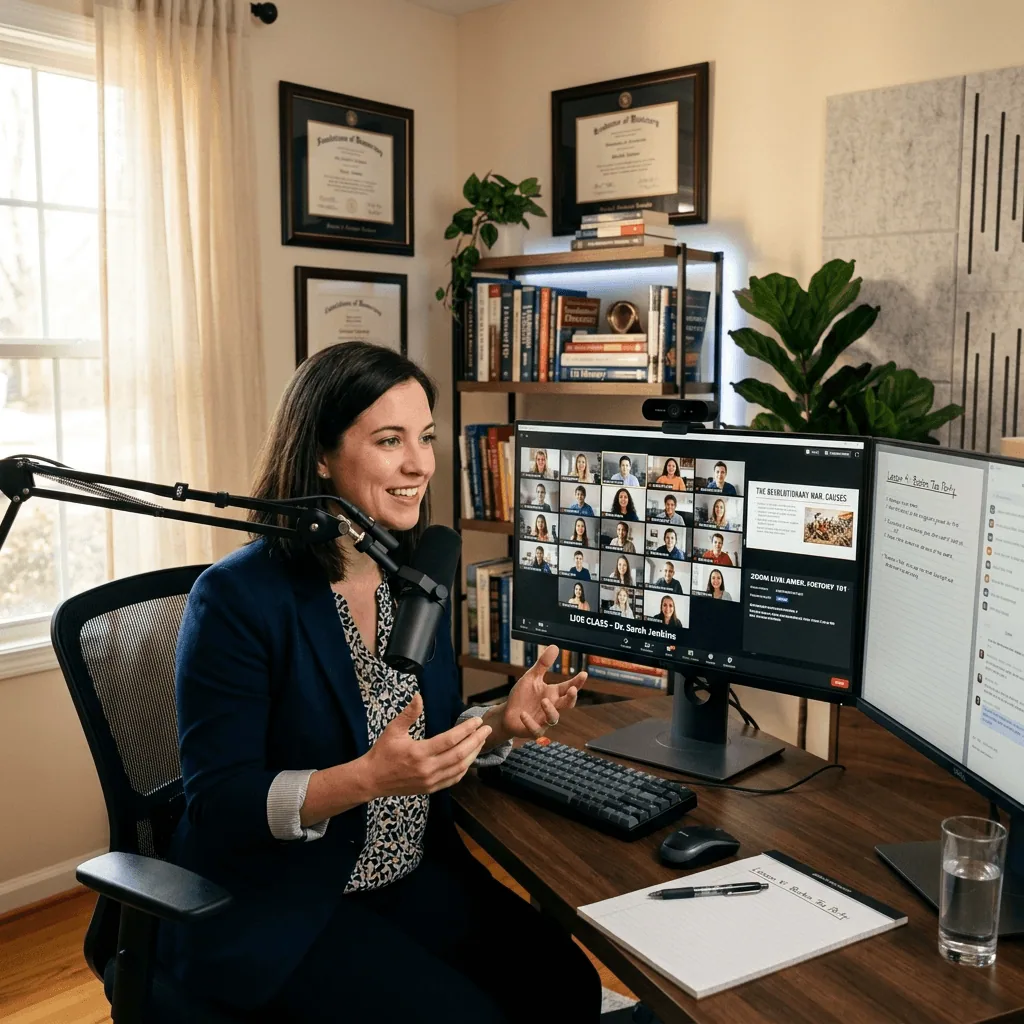
Built-in cloud room. No third-party seat. Recording included.
- In-house room runs on LiveKit Cloud — no XMPP, no UDP forwarding
- Students join with a display name, no signup, no app
- Adaptive 1080p simulcast — weak networks downgrade gracefully
- Or paste a third-party meeting URL — provider auto-detected
May → June 2026
4 sessions will be created
First Mon May 18 · last Mon Jun 8 · 7:00 pm IST · 60 min
One click → cloud recording → your CDN.
- Server-side recording — keeps running if you close your browser
- 1080p / 30fps H.264 MP4, screen share at 1440p
- Direct upload to Cloudflare R2 (your bucket, your CDN, your cost basis)
- Watch button opens an inline player dialog — no new-tab navigation
- /dashboard/recordings index lists every class with a recording
function useTimer(ms) {
  const [t, setT] = useState(0)
  useEffect(() => {
    const id = setInterval(
      () => setT(t => t+1), ms
    )
    return () => clearInterval(id)
}, [ms])What we covered
Built a custom useTimer hook. Discussed cleanup, deps, and when abstracting a hook is too eager.
Hooks check · 6 q
Auto-grade · 60% to pass
Build a custom hook
Brief link · due Fri
Schedule a one-off — or a 12-week cohort — in the same form.
- Simple / Advanced mode — sensible defaults visible, decisions opt-in
- One link reused across the whole series
- Edit one instance without breaking the rest
- Bulk-cancel, bulk-delete, bulk-notify from the list
- WhatsApp + email + in-app reminders fire once per series
May → June 2026
4 sessions will be created
First Mon May 18 · last Mon Jun 8 · 7:00 pm IST · 60 min
Reminders that actually land.
- Automatic T-3h / T-1h / T-15m windows (no cron to configure)
- Channel-respecting — honours each student's notification prefs
- Every dispatch is logged to the student inbox (in-app + email + WhatsApp tabs)
- Resend or bulk-notify from the session card
24 students on file
22 of 24 on file
20 of 24 on file
Maya R. · Hooks Class
📚 Hooks Deep-Dive starts in 30 min. Tap to join the room.
meet.google.com/abc-defg-hij
6:30 pm ✓✓
Reminder: Hooks Deep-Dive · 7:00 pm IST
from Maya R. · welcome@thebigclass.com
Hi Aanya,
Reminder that Hooks Deep-Dive (Cohort 4, session 3 of 8) starts in 30 minutes.
Hooks Deep-Dive starts in 30 min
Click to open the join link · Cohort 4 · session 3 of 8
The class ends. The class card doesn't.
- Embed recordings from any common video host or direct MP4 URL
- Attach quizzes with one click — students take them in-app
- Assign homework with a due date and an optional brief
- Past Classes archive surfaces sessions missing a recap
- Class chat history persists alongside the recording
- AI-draft button on the wrap-wizard summary
function useTimer(ms) {
  const [t, setT] = useState(0)
  useEffect(() => {
    const id = setInterval(
      () => setT(t => t+1), ms
    )
    return () => clearInterval(id)
}, [ms])What we covered
Built a custom useTimer hook. Discussed cleanup, deps, and when abstracting a hook is too eager.
Hooks check · 6 q
Auto-grade · 60% to pass
Build a custom hook
Brief link · due Fri
Inside the live room
Engagement primitives every class needs.
Six features that used to require third-party plugins or separate tools — all native, all persisted to the recording.
Live polls
2–4 option polls with a launch composer in the host rail and a vote card on every student's stage. Results update live. Launch and result broadcasts fan out as notifications to every invited participant — even the ones who weren't in the room.
Notifications hit students + co-instructors
Raised-hand queue
Students raise hands without unmuting. The host sees them ordered by raise time with Answer / Lower buttons. The button pulses primary the moment any hand goes up so the host doesn't need the panel open to know.
Live #N in queue badge for students
Mark agenda done
The agenda you set pre-class becomes a host checklist mid-class. Tap ✓ to mark done, ⏭ to skip — each with a timestamp. Late joiners see real coverage instead of time-inferred guesses.
Header chip shows 3/7 covered
Waiting-room presence
The host preflight shows 'N waiting now' and the first 5 names live as students arrive in the lobby. No more guessing whether to open the room with only one student visible.
3s polling, 15s staleness window
Time-left pill
Host-only in-call indicator that shows 'Time left: 18m' while in window, flips to amber (+7m over) past the planned end, and red after +15 min. Wrap-up cues without checking the clock.
30s tick, no CPU burn
Chat persists to recording
The class chat doesn't evaporate when the room closes. Every message is buffered live, flushed to the session record on End, and rendered alongside the video so re-watchers get the side-channel context.
Session.chatTranscript field
Ready to launch your own?
Pick your subdomain, drop in your logo, and you're live. No demo call. No credit card.