How Lovejeet runs 1:1 coaching & group classes without an assistant.
Lovejeet teaches spoken English in Chandigarh — 15 one-on-one coaching students and 3 group batches of 20 each. She was spending 2 hours daily sending WhatsApp reminders, juggling different Zoom links for each session, and tracking who paid for what. Here's how she replaced the chaos with a system that handles 1:1 and group sessions equally well.
Meet Lovejeet
Lovejeet Kaur
English Coach — 1:1 + Group Sessions
- Teaches Spoken English, Grammar, and IELTS Prep in Chandigarh
- 15 one-on-one coaching students (personalized pace, flexible timing)
- 3 group batches of 20 each (Class 8-10, College, Working professionals)
- Uses Zoom — different link for every 1:1 and every group session
- Tracks 1:1 schedules in a notebook, group schedules in WhatsApp
- Charges differently: ₹2,000/month for 1:1, ₹800/month for group
- Biggest pain: managing 15 individual schedules + 3 group schedules + reminders for ALL of them
What 2 hours of daily admin looks like
Lovejeet is a great teacher. But half her working day is spent on logistics, not teaching. Here's what eats her time.
15 different 1:1 schedules in a notebook
Each coaching student has a different day and time. Lovejeet tracks them in a paper diary. When someone reschedules, she erases and rewrites. Double-bookings happen. She once had two students show up at the same time.
Reminders for 15 individuals + 3 groups — daily
She sends separate WhatsApp messages to each 1:1 student ('Your class is at 4 PM today') and to each group chat ('Batch 2, class at 5 PM'). That's 18+ manual messages every day — before she even starts teaching.
Different Zoom links for 1:1 vs group — chaos
She creates a separate Zoom meeting for each 1:1 and each group. Students DM her 'which link is mine?' 10 minutes before class. 1:1 students accidentally join the group session link.
No recordings = no catch-up
Students who miss a class have to wait until she re-explains the topic. There's no recording, no replay, no notes. Absent students fall behind and eventually drop out.
Certificates are a manual nightmare
At the end of each batch, parents ask for certificates. Lovejeet designs each one in Canva, fills in the student name, downloads the PDF, sends it on WhatsApp. For 30 students, that's an entire evening.
No online presence — only word of mouth
Lovejeet has no website, no course page, no public listing. New students find her through WhatsApp forwards. She can't share a professional link when someone asks 'what do you teach?'
Scheduling is a WhatsApp group nightmare
Schedule changes, holiday announcements, makeup classes — everything happens in a 200-message WhatsApp group where important updates get buried under 'thank you ma'am' replies.
How Lovejeet runs her academy — without the admin work
From zero online presence to a fully automated teaching business. Every feature she uses, shown in action.
Lovejeet gets her own branded academy site
lovejeet.thebigclass.com — live in 5 minutes
She picks a subdomain, uploads her logo, sets her brand colors, and has a professional course catalog live on the internet. Parents can see her courses, pricing, and schedule — all in one place.
Under the hood
The public site includes: course listings with descriptions and pricing, instructor bio, testimonials wall, and a branded checkout. She shares lovejeet.thebigclass.com on WhatsApp and her Instagram bio.

Creates her English courses with AI
AI Course Builder → full curriculum in 2 minutes
She types 'Spoken English for Class 8-10' and the AI generates a complete course: 12 modules, 40 lessons, quiz questions, learning outcomes, and SEO metadata. She tweaks the titles and hits Create.
Under the hood
Each course has: modules with lessons, video/text/PDF content types, quizzes per module, assignments, a preview lesson for free, and pricing. She creates 3 courses: Spoken English, Grammar Masterclass, and IELTS Prep.

Sets up 1:1 coaching sessions as products
Storefront → create a 'session' product → students book & pay
Lovejeet creates a '1:1 Spoken English Coaching' product in the storefront. She sets the price (₹2,000/month or ₹500/session), adds available time slots, and publishes it. Students book directly from her site. Each booking creates a private live class — one permanent link per student, auto-scheduled.
Under the hood
The 1:1 product supports: per-session pricing OR monthly subscription, time-slot selection by the student, automatic calendar blocking (prevents double-booking), and a private class link that's different from group classes. Each 1:1 student sees only their own sessions in their dashboard — never the group batches. Lovejeet sees all 15 individual sessions + 3 group classes in one unified calendar.
One calendar for everything — 1:1 and group
All 15 individual sessions + 3 group batches in one view
Lovejeet opens the calendar and sees everything: Monday 3 PM — Ananya (1:1), Monday 5 PM — Batch 1 (group), Tuesday 4 PM — Rohit (1:1), and so on. Color-coded by type: blue for 1:1, green for group. Drag to reschedule — the student gets an auto-notification. No notebook, no double-bookings.
Under the hood
The calendar supports: weekly/monthly views, recurring class scheduling (repeat every week for 12 weeks), color-coded by course, drag-and-drop rescheduling with automatic student notification, holiday blocking, and conflict detection. Students see a synced version on their dashboard. Teachers can export the schedule as an .ics file for Google Calendar / Apple Calendar.
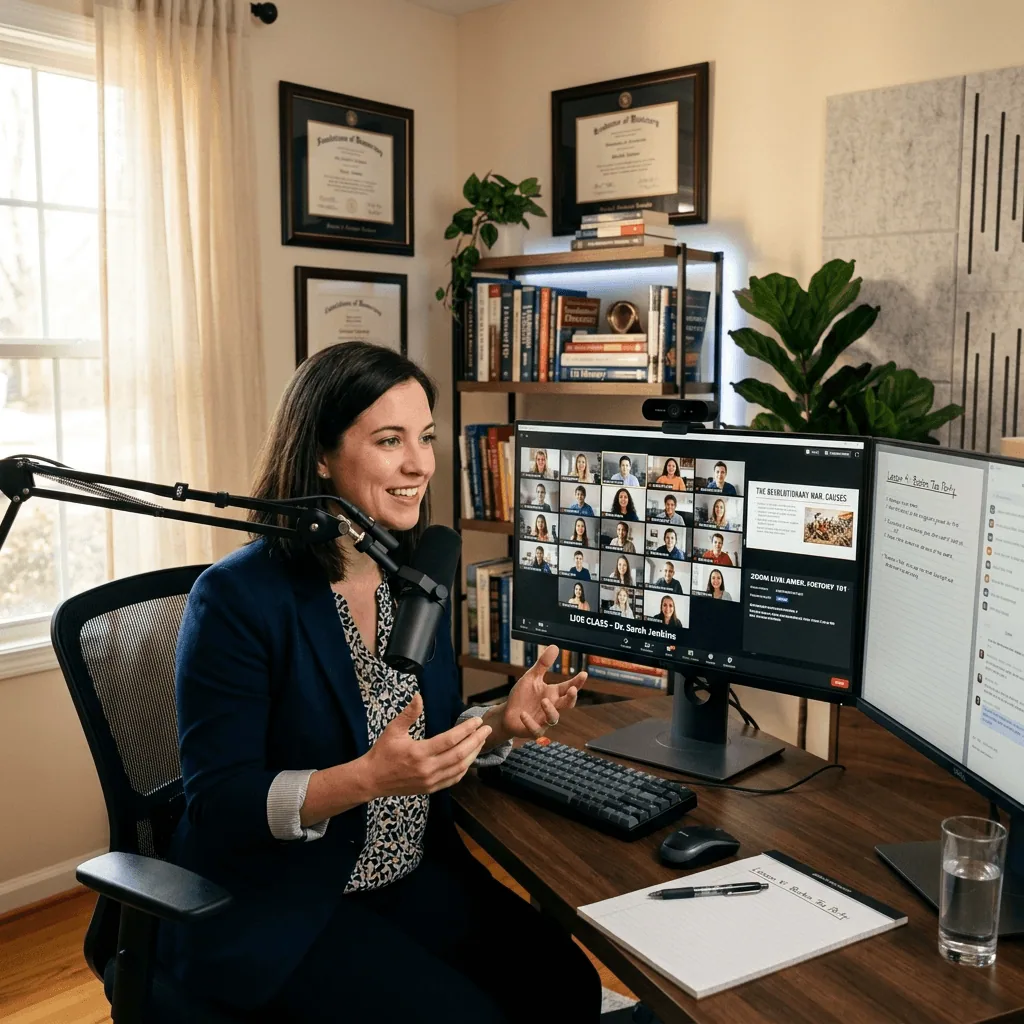
Auto-reminders on WhatsApp, email, and push — she sends nothing
24 hours → 1 hour → 5 minutes before class. Zero manual work.
The moment a class is scheduled, the reminder engine kicks in. Students get 3 automatic reminders: a WhatsApp message 24 hours before ('Spoken English tomorrow at 5 PM — here\'s your class link'), an email 1 hour before, and a push notification 5 minutes before. Lovejeet sends zero manual messages.
Under the hood
Reminder flow: (1) 24h before — WhatsApp + email with class title, time, and direct join link. (2) 1h before — WhatsApp only ('Starting in 1 hour'). (3) 5min before — push notification + WhatsApp ('Class starts in 5 minutes — join now'). If a student hasn\'t joined 10 minutes after start, they get a 'Class is live — join now' nudge. All reminders are configurable: admin can change timing, enable/disable channels, and customize the message template. Parents of minor students also receive the reminders.
Runs live classes with one permanent link
No Zoom link juggling — students join from the course page
Lovejeet clicks 'Start Class' on the dashboard. Students join from their course page — same link every time. The class has a waiting room, raise-hand queue, screen sharing, and in-class chat. Attendance is tracked automatically.
Under the hood
The live class features: lobby with student count before starting, raise-hand queue (ordered by time), screen + whiteboard sharing, in-class polls, chat with anti-bypass filter (auto-redacts phone numbers/emails), and real-time attendance tracking. Late joiners see a 'You missed: [topic covered]' banner. The class auto-records.
Every class is auto-recorded and chaptered
Absent students catch up on their own — no re-explaining
After every live class, the recording appears in the course timeline within minutes. AI generates chapters ('Tenses review at 4:12', 'Practice exercise at 18:30') so students can jump to what they missed. Absent students get a notification: 'You missed Session 5 — watch the recording here.'
Under the hood
Recordings include: auto-generated chapters from transcript, searchable full-text transcript, class chat replay synced to the video timeline, and download option for offline viewing. Students who missed the class get an automatic notification with the recording link. The teacher can trim recordings or mark them private.
Sends payment links to parents via WhatsApp
Course page → Send Payment Link → parent pays → student enrolled
When a parent enquires, Lovejeet sends a payment link from the course's menu. The parent opens it on their phone, sees the course details, pays via Razorpay, and the student is enrolled automatically. No manual enrollment.
Under the hood
The payment link shows: academy branding, course title, class count, fee breakdown, and Lovejeet's personal note ('Hi Ananya's mom, this is the spoken English batch we discussed'). After payment, the parent registers and the student gets access immediately.
Generates certificates in bulk — one click
CSV upload → 30 certificates in 2 minutes
At the end of the batch, Lovejeet uploads a CSV with student names. The platform generates beautiful certificates from 17 built-in templates — each with the student's name, course title, date, and her signature. Download all as a ZIP or send individually.
Under the hood
Certificate templates include: modern, classic, elegant, playful, and more. Each can be customized with logo, colors, and signature. Certificates have a unique QR code linking to a public verification page — parents can verify authenticity by scanning.

Builds a community around her teaching
Announcements, doubt sessions, leaderboard, wall of love
Students post doubts, Lovejeet answers with AI-assisted replies. A leaderboard tracks quiz scores. Parents leave testimonials on the Wall of Love. Announcements reach everyone without getting buried in a WhatsApp group.
Under the hood
The community includes: per-batch discussion groups, Q&A with doubt threading, announcement broadcasts (email + WhatsApp + in-app), a public testimonial wall, and a gamified leaderboard with points for quiz scores and assignment submissions.

Students rate her after every class
Feedback popup → ratings + tags → teaching insights
After each live class, students see a quick feedback popup: 5-star rating, tags like 'Clear', 'Engaging', 'Helpful', and an optional comment. Lovejeet sees her strengths trending up and areas to improve — without it becoming a complaint wall.
Under the hood
Admin sees full feedback with student names. Lovejeet sees only aggregate ratings and moderated comments. Improvement tags only show when 3+ students mention the same thing. Feedback doesn't affect payouts — it's purely for teaching quality improvement.
What changed for Lovejeet
From 2 hours of daily admin to 10 minutes. From 30 students to 80. From no online presence to a professional academy site.
Visual calendar — schedule the whole week in one view, drag to reschedule, students auto-notified
3-tier auto reminders — WhatsApp + email + push at 24h, 1h, and 5min before every class
Missed-class nudge — students who don't join get a 'class is live, join now' ping
One permanent class link — students join from the course page, no Zoom link juggling
Auto-recorded classes with AI chapters — absent students catch up on their own
Professional academy site — shareable link for WhatsApp bio and Instagram
AI course builder — full curriculum generated in 2 minutes
Payment links via WhatsApp — parent pays, student auto-enrolled
Bulk certificates with verification QR codes — 30 certificates in 2 minutes
Student feedback after every class — strengths and improvement insights
Calendar sync — export schedule to Google Calendar / Apple Calendar (.ics)
Parent reminders — parents of minor students also get class notifications
“But how does...?”
Common questions from teachers like Lovejeet — answered.
How does the calendar scheduling work?
Open Dashboard → Calendar. You see a weekly or monthly view. Click a time slot to create a class, or drag an existing class to reschedule. Set recurring classes (e.g., every Monday and Wednesday at 5 PM for 12 weeks) in one click. Color-coded by course. Students see their own synced calendar on their dashboard — no separate Google Calendar invite needed. You can also export the full schedule as an .ics file for Google Calendar or Apple Calendar.
How do the 3-tier auto-reminders work?
The moment you schedule a class, the reminder engine is armed. (1) 24 hours before: WhatsApp message + email with class title, time, teacher name, and a direct 'Join Class' link. (2) 1 hour before: WhatsApp only — 'Starting in 1 hour, here's your link.' (3) 5 minutes before: push notification + WhatsApp — 'Class starts in 5 minutes, join now.' If a student hasn't joined 10 minutes after the class starts, they get a final nudge: 'Class is live — join now.' Parents of minor students also receive every reminder. You configure which channels are on/off and customize the message template per course.
What happens when I reschedule a class?
Drag the class to a new time slot in the calendar. The platform immediately sends a 'Schedule changed' notification to all enrolled students via WhatsApp and email: 'Spoken English moved from Wednesday 5 PM to Thursday 4 PM.' The student's calendar updates automatically. No manual WhatsApp group message needed.
What if a student misses the class?
They get a notification: 'You missed Spoken English — Session 5. Watch the recording here.' The recording has AI-generated chapters so they can jump to the exact topic they missed. The teacher doesn't need to re-explain anything.
Can parents see the student's progress?
Yes. Parents log in with their own account and see: courses enrolled, lessons completed, quiz scores, attendance, and certificates earned. No separate report card needed.
How do certificates work?
Choose a template, upload your student list (CSV or from the enrolled list), and click Generate. Each certificate gets the student's name, course title, completion date, your signature, and a QR code. The QR links to a public verification page — tamper-proof and shareable on LinkedIn.
Can I teach in Hindi?
Yes. The platform supports 10 Indian languages (Hindi, Bengali, Tamil, Telugu, Marathi, Gujarati, Kannada, Malayalam, Punjabi) plus English. Your public site, course content, and student dashboard all adapt. You can even create courses with mixed-language content.
How does 1:1 coaching work vs group classes?
You create a '1:1 Coaching' product in the storefront with per-session or monthly pricing. Students book from your site and pick a time slot. Each booking creates a private live class with its own link — separate from your group batches. Your calendar shows both: blue for 1:1 sessions, green for group classes. No overlap, no double-bookings. 1:1 students only see their own sessions, group students only see their batch. You see everything in one unified view.
Can I charge differently for 1:1 vs group?
Yes. Each product has its own pricing. Lovejeet charges ₹2,000/month for 1:1 coaching and ₹800/month for group batches. She can also offer per-session pricing (₹500 per 1:1 session) or package deals (10 sessions for ₹4,500). Each pricing model has its own payment link.
What about payment collection?
Three options: (1) Students buy directly from your public course page. (2) You send a personal payment link via WhatsApp. (3) You share a reusable payment link on social media. All payments go through Razorpay with UPI, cards, and net banking. Money lands in your account — zero platform commission.
Ready to teach like Lovejeet?
Live classes with auto-reminders, recordings with chapters, bulk certificates, payment links, student feedback, and a professional academy site — all built in. Start on Starter for free.