Custom Domain for Your Course Website: Why It Matters and How to Set It Up
learn.yourbrand.com or coursehost-xyz.com/you? A custom domain is a small change with big effects on trust, SEO and ownership. Here's why it matters and how to set one up.
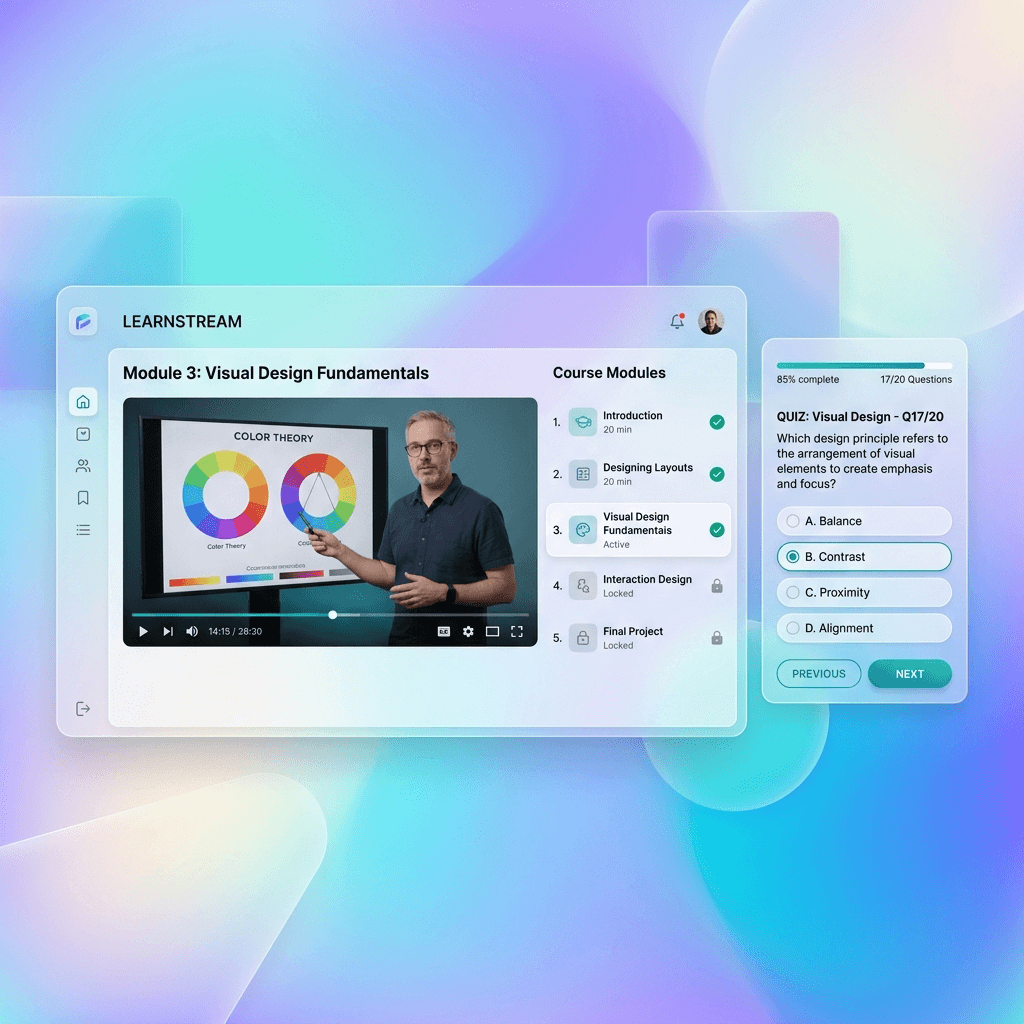
It looks like a small detail — the web address your course lives at — but it quietly shapes how much people trust you, whether your effort builds your brand or someone else's, and even how you rank on Google. A course at learn.yourbrand.com reads as a real, established business; the same course at coursehost-xyz.com/your-name reads as a tenant in someone else's building. A custom domain is one of the cheapest, highest-leverage upgrades a course creator can make.
This guide covers why a custom domain matters (trust, SEO and ownership), exactly how to connect one with no coding, and how it fits the bigger picture of owning your brand. It's the focused, practical companion to our broader white-label guide — here we zoom in on the domain itself.
What is a custom domain for a course site?
A custom domain is your own web address — like yourbrand.com or learn.yourbrand.com — pointed at your course platform, so your academy lives at an address you own rather than a sub-page of the platform's domain. Instead of sending students to platform.com/your-academy, you send them to your own branded URL, and the platform runs invisibly behind it. It's the difference between renting space at someone else's address and having your own.
Why a custom domain matters
Three concrete benefits make a custom domain worth setting up early.
- Trust and conversion — a branded domain looks like a real, established business, which makes buyers more comfortable paying. A long platform URL with someone else's name signals 'tenant,' not 'institution.'
- SEO that compounds for you — content, course pages and backlinks on your own domain build *your* search authority over years. On a shared platform domain, you're growing theirs.
- Ownership and portability — your domain is yours. If you ever change platforms, you point the same domain elsewhere and your links, rankings and brand come with you. A platform sub-URL can't move with you.
The compounding point
Every blog post, backlink and shared link on your own domain strengthens your brand for years. On a platform sub-URL, that same effort strengthens the platform — and you'd start from zero if you ever left.
How to connect a custom domain (no coding)
Connecting a domain sounds technical but is a one-time, copy-paste step. You add a small DNS record at your domain registrar that points your chosen address at the platform, and the platform serves your academy there and issues an SSL certificate automatically so it loads securely.
- Buy a domain (if you don't have one) from any registrar — yourbrand.com or a fresh name.
- Choose your address — learn.yourbrand.com (a subdomain) is the common, clean choice; the root domain also works.
- Add the DNS record the platform gives you (usually a CNAME) at your registrar.
- Wait briefly for it to propagate — DNS changes can take a little time to take effect.
- Let the platform issue SSL automatically, so your site loads with the secure padlock.
On The Big Class, custom domains and white-label are available on the Growth and Scale plans, and the setup is a guided, copy-paste process — no developer required.
Subdomain or root domain?
A common question: should your academy be at learn.yourbrand.com (a subdomain) or yourbrand.com (the root)? Both work. A subdomain like learn. or academy. is the usual choice when you also have a separate main website, keeping your courses cleanly under your brand while your homepage lives at the root. Using the root domain itself suits creators whose academy *is* their main web presence. Either way it's your domain and your brand — pick based on whether the academy is your whole site or one part of it.
Custom domain and SEO
A custom domain is foundational for SEO, because search authority accrues to a domain. Publish helpful content, get backlinks, and rank course pages on your own domain, and that authority compounds into free search traffic that's yours to keep. Do the same on a shared platform domain and you're building the platform's authority, not your own — and you'd lose it all if you left. If you plan to invest in content and marketing, a custom domain is what makes that investment an asset you own.
There's also a smaller, immediate SEO-adjacent benefit: a custom domain looks trustworthy in search results and link previews. learn.yourbrand.com shared on WhatsApp or LinkedIn reads as a real institution; a long platform URL with someone else's name reads as a sub-page, which subtly lowers click-through.
Choosing a good domain name
If you don't already have a domain, choosing a good one is worth a little thought — it's the name students will type, share and remember. The best course-business domains are short, easy to spell, easy to say aloud, and clearly tied to your brand. Avoid hard-to-spell words, hyphens and numbers where you can, since they cause confusion when someone shares your address verbally or from memory.
- Keep it short and memorable — easy to type, easy to recall, easy to say on a call or in a Reel.
- Match your brand — your academy or personal name, so the domain reinforces who you are.
- Prefer .com or .in — the most trusted, expected extensions in India; .in signals an Indian business clearly.
- Avoid hyphens and numbers — they get lost or muddled when people share your address from memory.
- Check it's free and not trademarked — a quick registrar search and a sanity check save headaches later.
Don't agonise forever, though — a clear, brandable name you can get today beats waiting for the 'perfect' one that's already taken. You can always run your academy on a clean subdomain (learn.yourbrand.com) of whatever root domain you secure.
Branded email on your domain too
A custom domain quietly unlocks another credibility boost: branded email. Sending course updates and announcements from you@yourbrand.com looks far more professional and trustworthy than a generic free email address, and it reinforces your brand every time a student sees it in their inbox. Many registrars and email providers let you set up email on your domain easily once you own it.
This matters for deliverability and trust as well as looks — a branded sender domain, set up properly, helps your emails land and look legitimate rather than spammy. Combined with your branded academy and certificates on the same domain, branded email completes the picture of a real, established business, where every touchpoint a student sees carries your name rather than a platform's or a free provider's.
Common custom-domain mistakes
- Staying on a platform sub-URL for years, building someone else's brand and SEO.
- Assuming it's too technical — it's a one-time, no-code DNS step.
- Forgetting SSL — a site without the padlock looks untrustworthy (good platforms auto-issue it).
- Choosing a platform that locks custom domains to a tier you didn't budget for.
- Not using your own domain when you plan to invest in content/SEO.
Your custom-domain checklist
- Buy a domain (or use one you own).
- Decide subdomain (learn.yourbrand.com) or root.
- Add the CNAME the platform provides at your registrar.
- Let DNS propagate and the platform auto-issue SSL.
- Use the branded domain everywhere — links, content, social.
- Confirm your plan includes custom domain + white-label.
Put your academy on your own domain
Connect a custom domain with a simple CNAME and auto-SSL — your brand, your URL, with native UPI and 0% commission. Build a white-label academy on The Big Class.
See white-label
Renu Rawat
Founder of thebigclass.com. Helping Indian educators and creators build profitable, independent learning businesses without losing 30% to platform fees.
About the founderFrequently asked questions
- Why do I need a custom domain for my course website?
- Three reasons: trust (a branded domain like learn.yourbrand.com looks like a real, established business, which lifts buyer confidence and conversion), SEO (content and backlinks on your own domain build your search authority over years, compounding into free traffic, instead of the platform's), and ownership (your domain is portable — if you change platforms, your links, rankings and brand move with you, which a platform sub-URL can't). It's a cheap, high-leverage upgrade for any serious course creator.
- How do I connect a custom domain to my course platform?
- It's a one-time, no-code step. Buy a domain (or use one you own), choose your address (learn.yourbrand.com is a common clean choice), add the DNS record the platform gives you — usually a CNAME — at your domain registrar, wait briefly for it to propagate, and let the platform issue an SSL certificate automatically so the site loads securely. Good platforms guide you through it with copy-paste instructions; no developer is required.
- Do I need technical skills to set up a custom domain?
- No. Connecting a domain is a single DNS record (typically a CNAME) added at your registrar, with copy-paste instructions from your platform, and the platform handles serving your site and issuing SSL automatically. It's a one-time setup that takes minutes plus a little waiting for DNS to propagate. You don't need to code, manage servers, or be technical — if you can copy and paste a value into a form, you can connect a custom domain.
- Should my academy be on a subdomain or my main domain?
- Both work, so choose based on your setup. A subdomain like learn.yourbrand.com or academy.yourbrand.com is usual when you also have a separate main website — it keeps your courses cleanly under your brand while your homepage lives at the root domain. Using the root domain itself suits creators whose academy is their main web presence. Either way it's your domain and your brand; pick based on whether the academy is your whole site or one part of it.
- Does a custom domain help SEO for my course?
- Yes, significantly. Search authority accrues to a domain, so publishing content, earning backlinks and ranking course pages on your own domain builds authority that compounds into free search traffic you keep — whereas doing the same on a shared platform domain builds the platform's authority, which you'd lose if you left. A custom domain also looks more trustworthy in search results and link previews, subtly improving click-through. If you plan to invest in content, a custom domain makes that an asset you own.
- What happens to my custom domain if I switch platforms?
- That's one of its biggest advantages — your domain is portable. If you ever move platforms, you simply point the same domain at the new one, and your URLs, search rankings and brand carry over intact. This is exactly why a custom domain protects you from lock-in: your audience and SEO live at an address you own, not at a platform sub-URL you'd have to abandon. Owning your domain keeps you free to move.
- Is SSL included with a custom domain?
- On a good platform, yes — it's issued automatically. SSL is what makes your site load over https with the secure padlock, and a course site without it looks untrustworthy and can deter buyers. When you connect a custom domain to a modern course platform, it provisions and renews the SSL certificate for you, so you don't have to manage it. Always confirm the platform auto-issues SSL for custom domains — the good ones do.
- Is a custom domain free, or does it cost extra?
- You pay a small annual fee for the domain itself at a registrar, and platforms often include custom-domain support on their paid (not free) tiers — so budget for the plan that includes it. On The Big Class, custom domains and white-label are available on the Growth and Scale plans. The cost is modest relative to the benefits (trust, SEO, ownership), and for any creator building a real business it pays for itself; confirm which plan includes a custom domain before committing.
- How do I choose a good domain name for my course site?
- Pick something short, easy to spell and say, and clearly tied to your brand — it's the name students will type, share and remember. Prefer trusted extensions like .com or .in (.in clearly signals an Indian business), avoid hyphens and numbers (they get muddled when shared from memory), and check the name is free and not trademarked with a quick registrar search. Don't agonise for the 'perfect' name that's taken — a clear, brandable one you can get today is better, and you can always run your academy on a clean subdomain like learn.yourbrand.com.
- Can I use email on my custom domain too?
- Yes, and you should — a custom domain unlocks branded email like you@yourbrand.com, which looks far more professional and trustworthy than a free email address and reinforces your brand in every student's inbox. Many registrars and email providers make it easy to set up once you own the domain. A properly configured branded sender domain also helps your emails land rather than hit spam. Combined with your branded academy and certificates on the same domain, branded email completes the picture of a real, established business.
- How long does it take for a custom domain to go live?
- The setup itself takes only minutes — buy the domain, add the CNAME record your platform provides, and let it issue SSL — but DNS changes need a little time to propagate across the internet, which can range from a few minutes to a number of hours depending on your registrar. Once propagation completes and SSL is issued, your academy loads securely at your own address. It's a one-time wait, after which the domain simply works; set it up a little ahead of any launch rather than on the day.
Keep reading
White-Label Course Platform in India: The Complete Guide
Your students should remember your name, not the platform's. Here's what white-label really means, why it matters, and how to launch a fully branded academy on your own domain.
Read
How to Choose the Best Online Course Platform in India
A clear, India-first way to choose a course platform — the six things that actually matter, an honest map of the options, and how to pick for your situation.
Read
How to Market an Online Course in India
Build it and they won't come — you have to market it. Here's the complete, India-first playbook to market an online course, from owning your audience to launches and referrals.
Read